
SEO + AI + WordPress course
From Zero to a Website That Ranks on Google
2 full days · 11:00 – 16:00 · Learn by doing and go home with a website that really works
- 2days
- 5seats
- 11modules
- 6workshops
Course video
See the whole course in 2 minutes
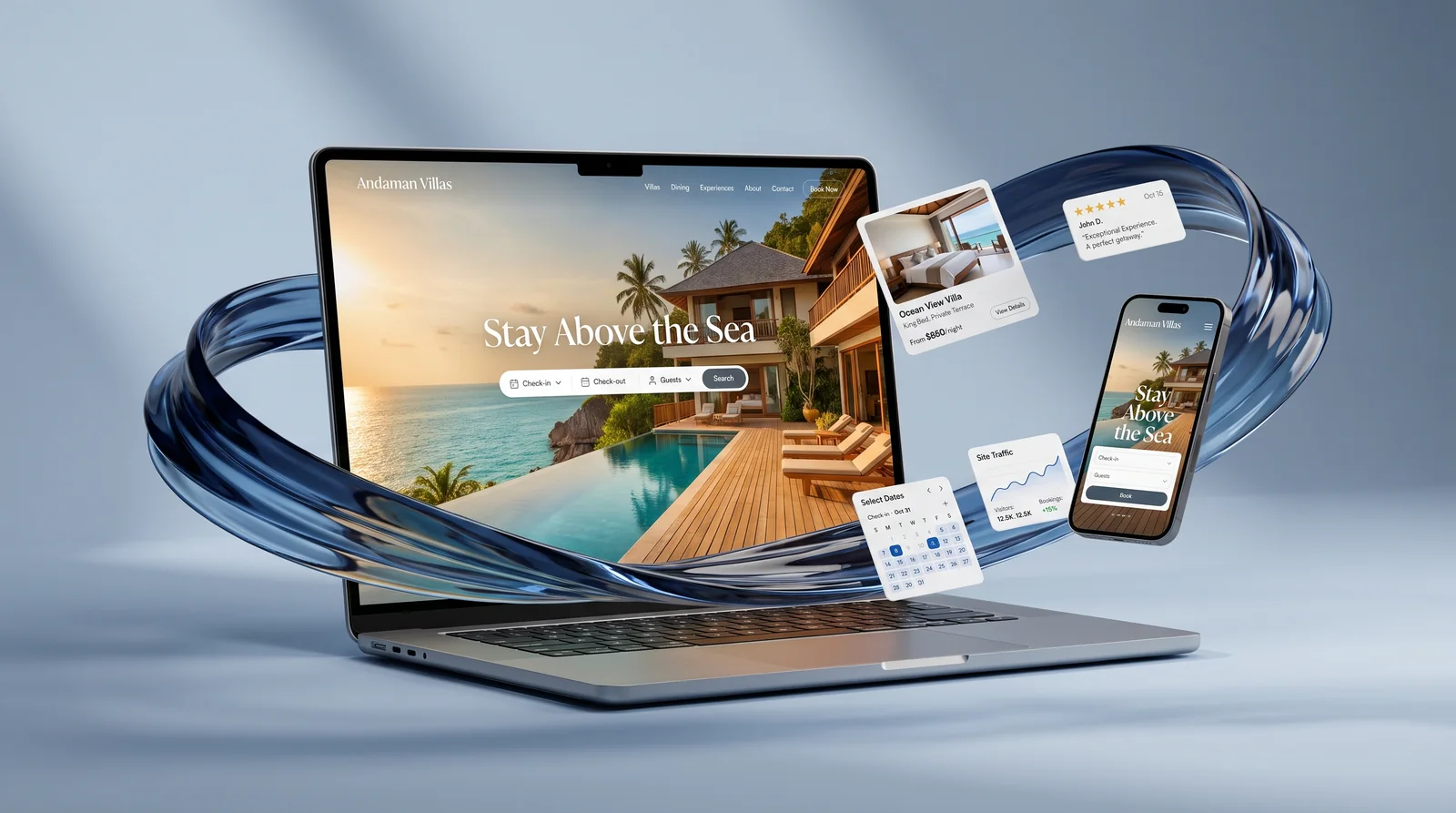
The video is in Thai.
Building a website yourself is hard enough…
This course is built to fix exactly these
- I have a website, but Google never finds it
- I paid someone to build it and can't edit a single page
- I don't know where to start with SEO
- I only use AI for Q&A, not to build real things
- I can't tell whether my site is doing well
2 days, from nothing to a website Google knows
- 01Plan the site
Start with a site map that tells Google what your site is about, which categories it has and which pages matter most.
- 02Choose keywords
Research with Ahrefs, reverse-engineer competitors, then map keywords page by page so no two pages compete.
- 03Have AI build it
Feed your plan and keywords to AI to build a real site, using prompt formulas that work, and refine it round by round.
- 04Move into WordPress
Turn it into a site you can edit page by page: add pages, publish posts, set up menus, no programmer needed.
- 05Hand it to Google
Connect Search Console + GA4, submit your sitemap, and learn to read how well your site is doing.
Any kind of website, any business
Resort, restaurant, clinic, online shop, B2B company or your own business: the same method applies. Plan the structure, choose keywords, then have AI build a site that fits you.
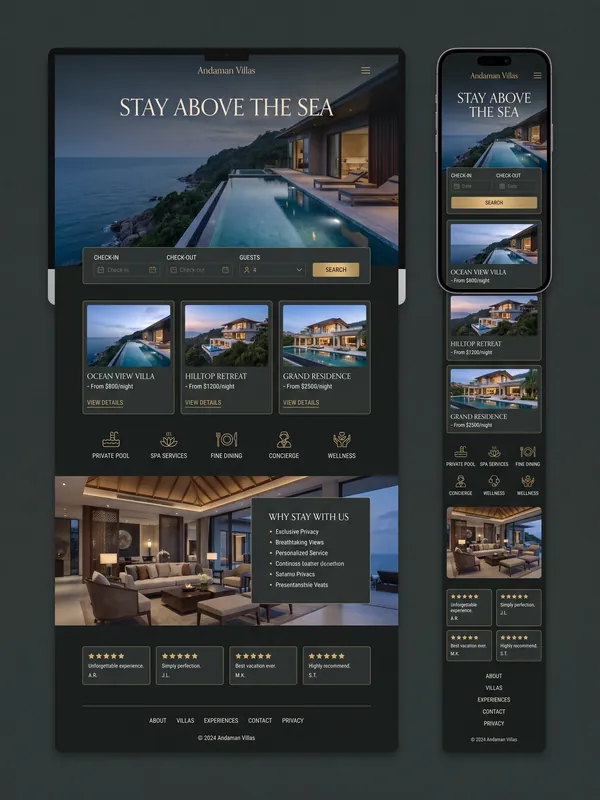 Resort & hotel
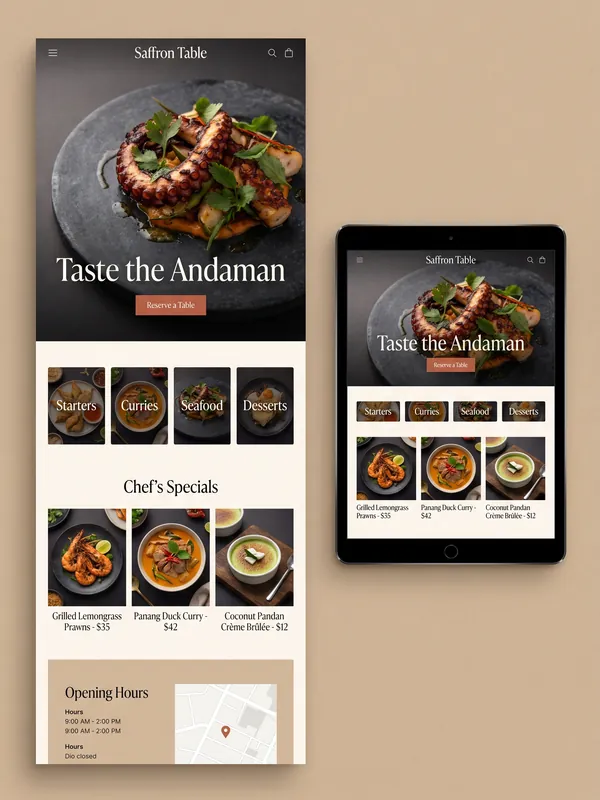 Restaurant
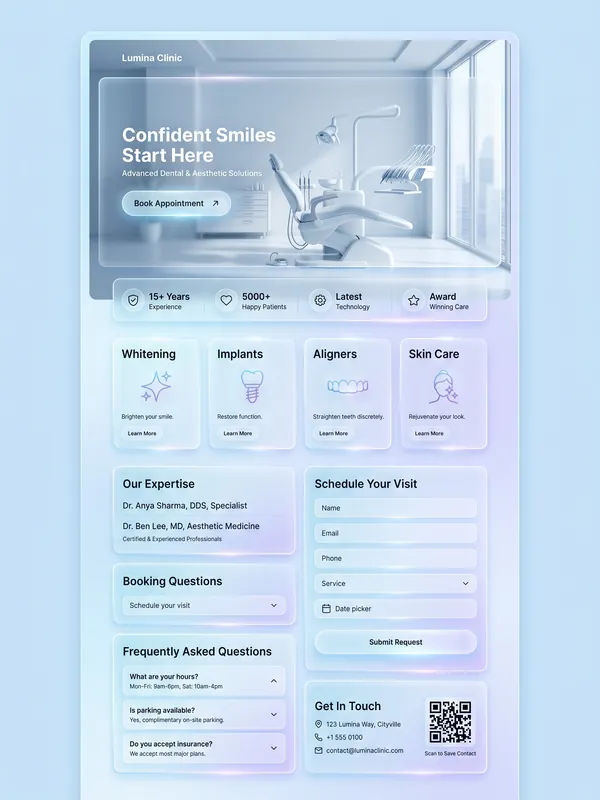 Clinic
 Online shop
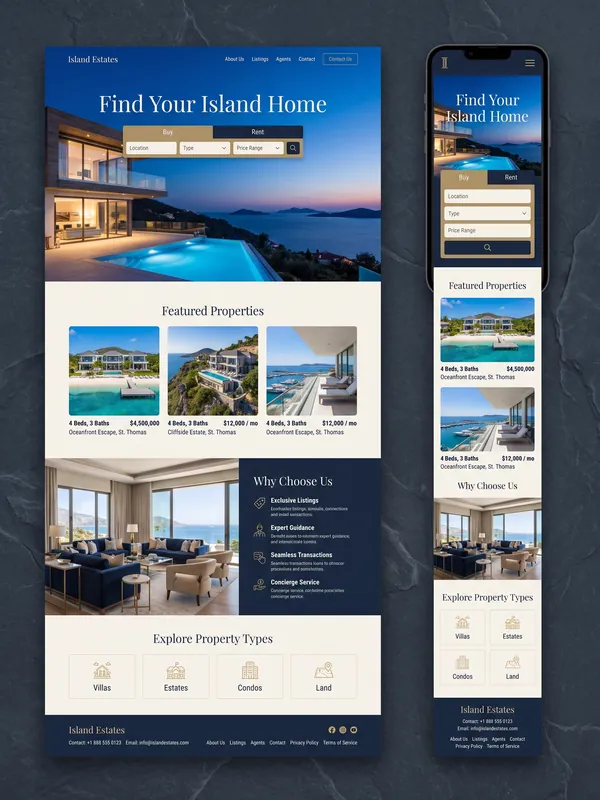 Real estate
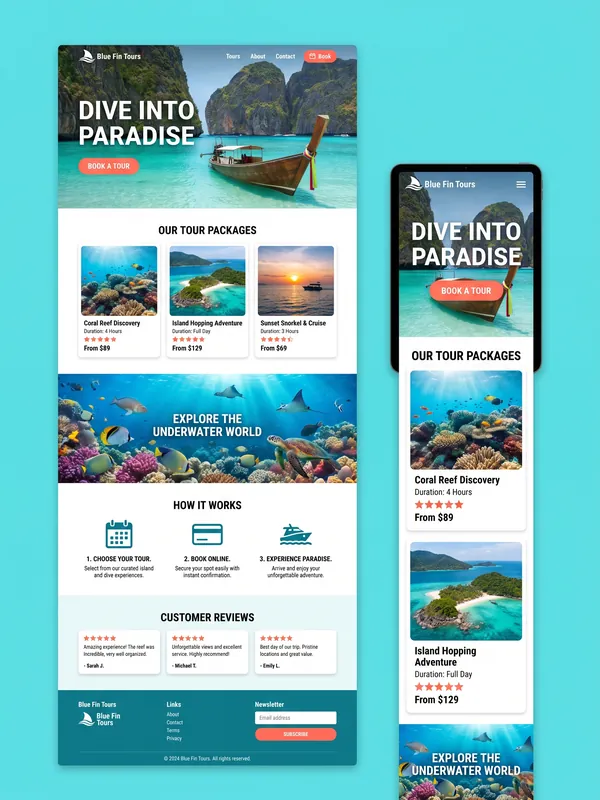 Tours & diving
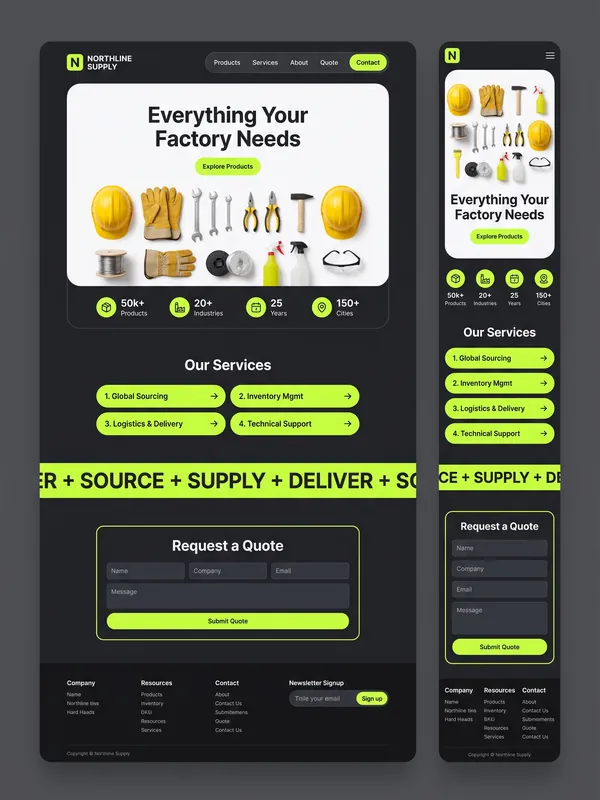 B2B company
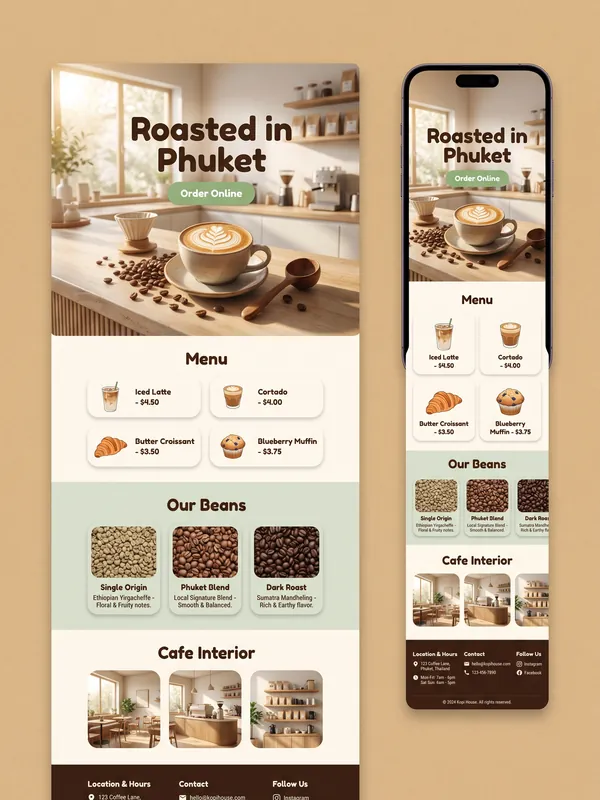 Cafe
Cafe
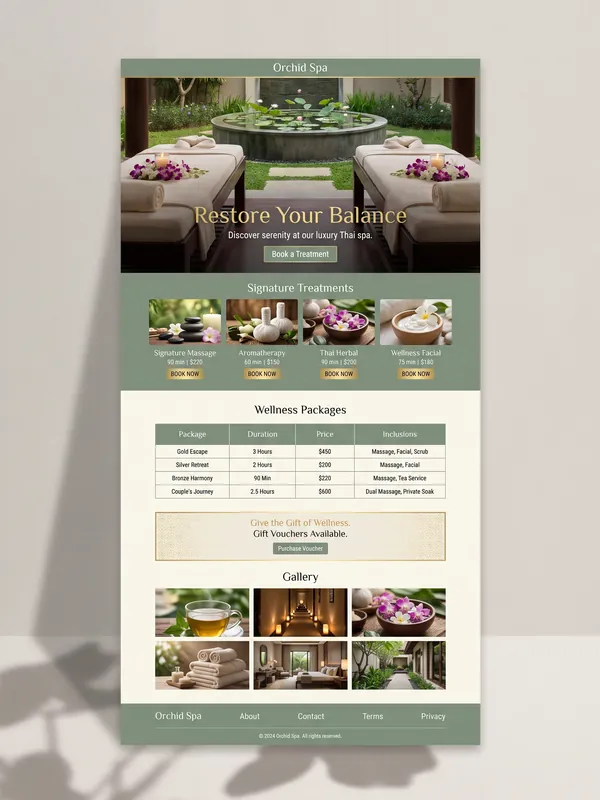 Spa
Spa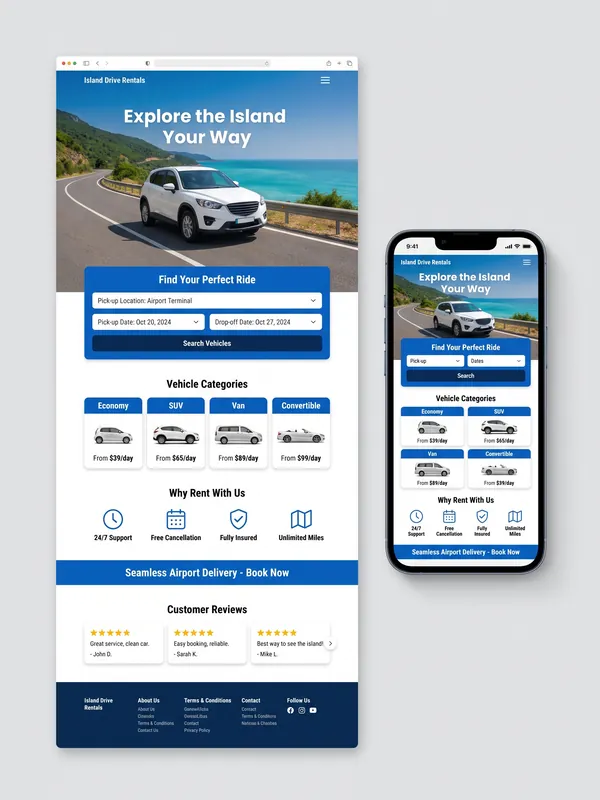 Car rental
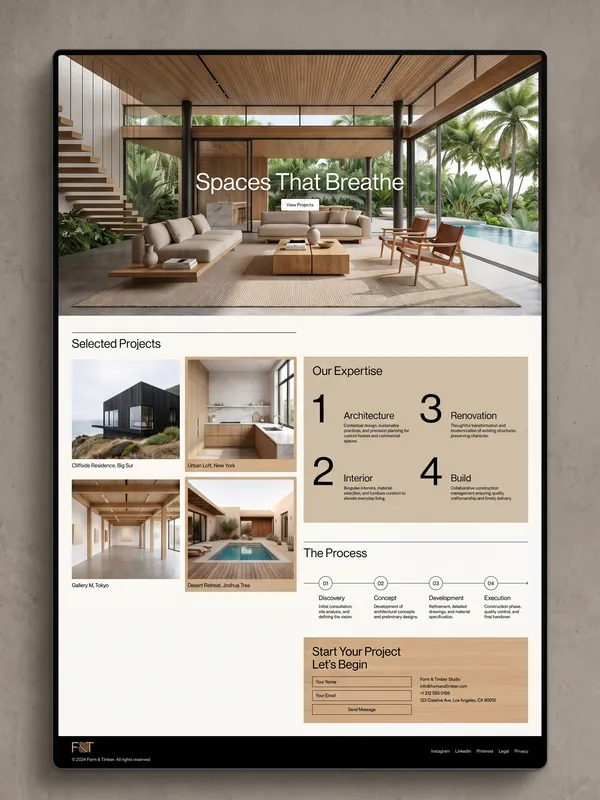 Architecture
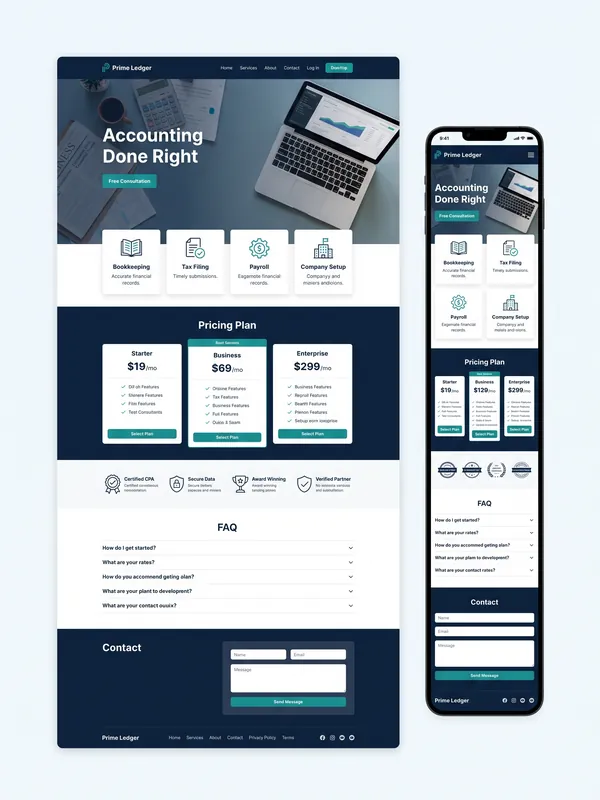 Accounting
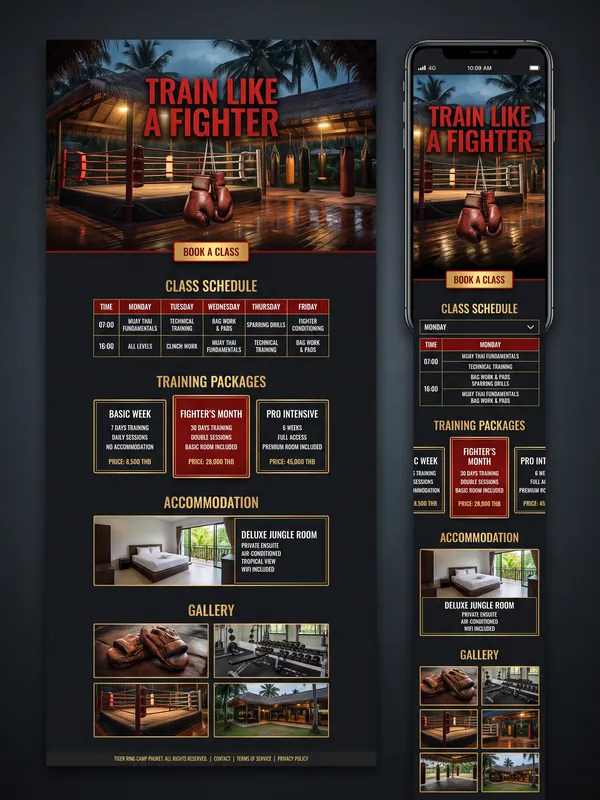 Muay Thai camp
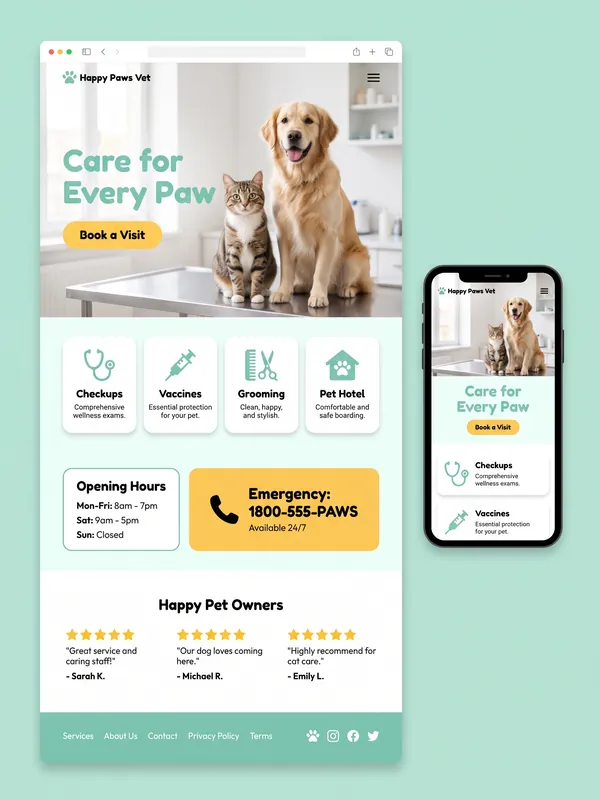 Vet clinic
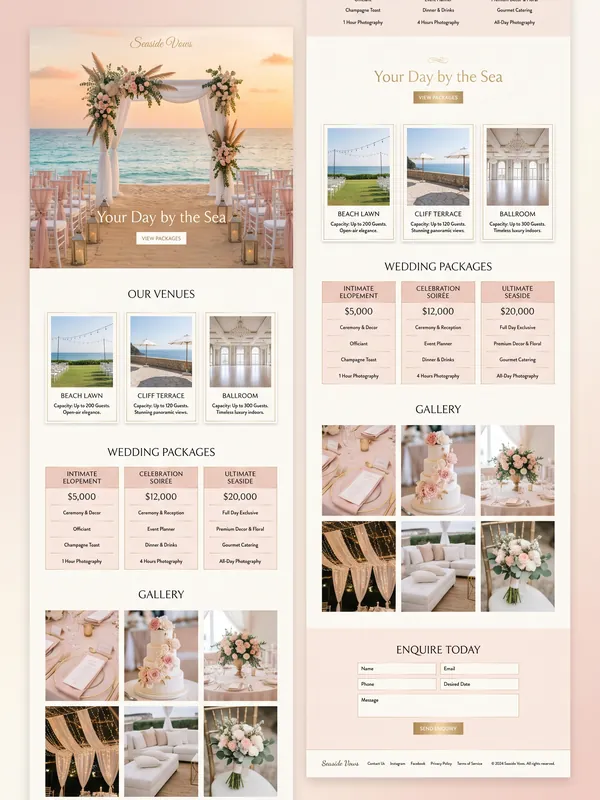 Wedding venue
Sample designs to show what's possible, not client work
Curriculum
Day 1
Understand SEO and plan before you build
- 01
Getting to know SEO
- What SEO is and how Google works (crawl / index / rank)
- The main ranking algorithms and E-E-A-T
- 02
Web structure
- Plan a site map so Google understands what your site is about
- Set up hierarchy, categories and sub-categories the right way
- 03
Keyword analysis
- Research and choose keywords with Ahrefs
- Reverse-engineer competitor keywords and map keywords to each page
- 04
Content structure
- Where to find topics and how to write for SEO
- Structure H1–H3 and place keywords naturally
- 05
On-page SEO
- Title / meta description, URLs, internal links
- Image optimization to rank in Google Images
- 06
Off-page SEO
- What a good backlink looks like and the main types
- Analyze competitor backlinks, plan links and use safe anchor text
- 07
Technical SEO
- Core Web Vitals, sitemaps, Schema, site speed
Day 2
Build the real website
- 08
Vibe coding
- Have AI build a real website from yesterday's site map
- Prompt formulas that work, and iterating round by round
- 09
Move it into WordPress
- Make every page editable yourself, no programmer needed
- 10
Using WordPress properly
- Add pages, publish posts, set up menus and an SEO plugin
- 11
Search Console + GA4
- Read whether your site is doing well, and submit your sitemap
Hands-on workshops on both days
Small classes of up to 5. The instructor works with each learner individually, so you can ask whenever you get stuck.
- 01Day 1 · Workshop
Plan the web structure for your own business
- 02Day 1 · Workshop
Analyze keywords and map them to each page
- 03Day 1 · Workshop
Write the content and meta tags for your homepage
- 04Day 2 · Workshop
Have AI build a real website from your plan
- 05Day 2 · Workshop
Move the site into WordPress and edit every page yourself
- 06Day 2 · Workshop
Connect Search Console + GA4 and submit your sitemap
What you take home

Who it's for
- Business owners who want to build their own site and understand how it should win customers
- Freelancers who want to take on more website work and sell SEO too
- People who already have a site that Google never seems to find
- Anyone who wants AI to do real work not just answer questions, but produce something usable
No coding needed. Basic computer skills are enough.
What to bring
- A laptop your own, so you can keep working after the course
- An AI subscription we recommend Claude
- Your logo and business copy so you build your real business website in class
Course fees
Krabi · Ranong
2 days · up to 5 learners
18,000 THB / person
Venue: ask us on LINE
Book a seat on LINEPhuket · Phang Nga · Surat Thani · Nakhon Si Thammarat · Trang
2 days · up to 5 learners
20,000 THB / person
Phuket: BAYACO Phuket Meeting Room & Office for Rent · other provinces, ask us on LINE
Book a seat on LINEOnline 1-on-1
2 days · just you and the instructor
25,000 THB
Taught over video call
Book a seat on LINE
Other provinces on request (Southern Thailand only)
Frequently asked questions
I've never written code. Can I take this course?+
Yes. You don't need any coding background or WordPress experience, just basic computer skills. AI handles the code, and the instructor works with each learner individually.
What do I leave with?+
A working website for your own business on WordPress that you can edit page by page, plus a site map, keywords mapped to each page, and Search Console and GA4 already connected.
Will this work for my business?+
Yes. The course works for any kind of website and any business, from resorts, restaurants and clinics to online shops and B2B companies, because every site follows the same method. You plan and build your own business's site in class.
Which AI do I need?+
You need your own AI subscription. We recommend Claude, which is what we use in class.
Why only 5 learners?+
On day two everyone builds their own site, so the instructor needs to be able to work with each person and answer questions as they come up.
Can I join from another province?+
Other provinces in Southern Thailand are on request, or you can take the online 1-on-1 course from anywhere.
How do I book a seat?+
Message our LINE Official Account with the location you're interested in, and we'll tell you the next class dates.
Looking for training for your team or organization? Training / Workshop · Guest Speaker
Ready to build a website Google can find?
Classes are capped at 5. Ask us about the next dates or book your seat now.
Ask / book a seat on LINE