
Website Migration to WordPress Without Losing SEO
Services · Southern Whale
We migrate websites from iGetWeb, MakeWebEasy, ReadyPlanet, Wix, Shopify, Squarespace or hand-coded sites to a WordPress site your team can edit. Every old URL is mapped and 301-redirected, so you keep as much of your existing ranking as possible, and we monitor results after launch.

Migrating a website means moving what Google remembers, not just the design
An established website carries invisible assets: URLs Google has indexed, links from other sites, and pages people find every day. Move a site carelessly and those assets disappear quietly: old links return 404 and traffic drops with no obvious cause.
Our website migration to WordPress starts with an inventory of everything the old site has, a plan for where every URL goes, complete 301 redirects, and repeated checks before switchover. The goal is to keep as much of your existing ranking as possible and hand you a site your team can edit.
To be straight with you: nobody controls Google’s algorithm. Rankings can move up and down for a few weeks after a migration. We monitor and fix throughout. We don’t guarantee rankings, but we do everything we can.
Real work: 1,576 products moved from iGetWeb to WordPress
MCR Autoparts, an importer of genuine Porsche and supercar parts, had run on iGetWeb since 2015 when the provider announced it would close at year end.
| What we did | Result |
|---|---|
| Products migrated, checked against the shop’s official export | 1,576 / 1,576 |
| Old links 301-redirected (1,576 products + 1,698 categories) | 3,274, one hop to the new page |
| URLs in the new sitemap | 1,801, all returning 200 (the old sitemap had fewer than 60 and no product pages) |
| Product images | 1,581 original, unwatermarked files |
| Categories | 147 raw categories reorganised into 22 brands › 112 models |
Old product URLs mixed numeric IDs with Thai product names, which often get truncated or re-encoded when shared, so we matched redirects on the numeric ID only. Instead of putting 3,274 lines in .htaccess, the old IDs are stored with each product and category in the database and resolved through a cached lookup.
Read the full story: Case study: Porsche parts website migration from iGetWeb to WordPress
Platforms we migrate from
What can be exported depends on each platform and plan, so this is general guidance, not a per-platform promise. We check the real site during the audit.
| Group | Examples | Usually portable | Watch out for |
|---|---|---|---|
| Thai builders & shop systems | iGetWeb, MakeWebEasy, ReadyPlanet, LnwShop, Ketshopweb, Page365, Shopline | Pages, products, categories, images, articles (export or extraction from live pages) | Numeric/Thai URLs, duplicate sub-categories, empty meta |
| International site builders | Wix, Squarespace, Webflow, GoDaddy, Hostinger Website Builder, Jimdo, Strikingly, Duda, Weebly / Square Online, Google Sites | Text, images, blog posts, menu structure | Limited or no export; images on platform CDNs; platform-only apps must be rebuilt |
| E-commerce platforms | Shopify, BigCommerce, Square Online, OpenCart, Magento / Adobe Commerce | Products, variants, categories, images; customers and orders where export exists | Fixed URL patterns need full mapping; customer passwords can’t be moved |
| Other CMS & hand-coded | Joomla, Drupal, Blogger, custom HTML/PHP | Nearly everything (direct database/file access) | Query-string URLs, content embedded in code |
Our migration process
Before migration
- List every existing page. Crawl the whole site, combine with the old sitemap, Search Console, Ahrefs (pages with backlinks or traffic) and platform exports.
- Record current keyword rankings and traffic so there is a baseline to compare after launch.
- Identify the most important pages by traffic, backlinks and sales. These keep their content and titles and are checked by hand.
- Plan the old URL → new URL mapping in a redirect-map spreadsheet: one row per old URL, matched on stable IDs, never dumping everything on the homepage, handling query strings, tags and empty categories.
During migration
- 301-redirect every page correctly: one hop, permanent, landing on a 200 page.
- Check titles, meta descriptions, canonicals, sitemap and robots.txt, plus structured data, hreflang for multilingual sites, image alt text and internal links.
- Notify Google via Search Console: keep the verification token, submit the new sitemap. Change of Address applies only when the domain changes. Keep GA4 tracking and conversions continuous.
- Check speed and mobile usability with Lighthouse and Core Web Vitals on staging.
- Brief and QA the developers so the build follows the SEO plan, whether it’s our team or yours.
Launch and after
- Staging QA: noindex on staging, item counts against the old site, every redirect and sitemap URL tested.
- Launch-day checklist: backups, DNS, SSL/https, remove noindex, open robots.txt, verify canonicals, submit sitemap, check GA4.
- 30 / 60 / 90-day monitoring: new 404s, indexing, rankings and clicks against the baseline, with fixes as we go.
What you get
- A WordPress site your team can edit, with licensed themes and plugins
- All content, products and images migrated, with a reconciliation report
- The redirect map and working 301s
- SEO set up on every page: titles, meta, canonicals, schema, sitemap, robots.txt
- Continuous Search Console and GA4 data
- Training and documentation
- Post-launch monitoring at 30, 60 and 90 days
Message us on LINE for a free audit before we start
Send us your current site. We’ll tell you what the platform can export, how many URLs need redirects, which pages matter most, and how we’d migrate, before you decide.
Chat on LINE @969dkzqz for a free audit
Frequently asked questions
Will I lose my Google rankings if I move to WordPress?
If every old URL is 301-redirected to the matching new page and titles, content, images and internal links come across intact, most ranking signals transfer to the new pages. Rankings can fluctuate for a few weeks while Google recrawls; we monitor and fix issues through that period. We don't guarantee rankings, but we do everything we can to protect them.
Can you migrate from iGetWeb, MakeWebEasy, Wix or ReadyPlanet?
Yes. We migrate from Thai and international website builders, e-commerce platforms, other CMSs and hand-coded sites. Where the platform has an export we use it; where it doesn't, we extract data from the live pages and count it against the original, as in our iGetWeb migration of 1,576 products.
Do I need to change my domain?
No, and we usually recommend keeping it. If a domain change is necessary, we redirect across domains and file a Change of Address in Google Search Console.
Does the old site go offline during the migration?
No. We build on a staging site blocked from Google. Your current site keeps running until switchover day.
Will all products, images and articles come across?
We count items before and after and compare. Some platform-locked data, such as customer passwords or some order histories, may not be portable; we tell you during the audit, before work starts.
How long does a migration take?
It depends on size and complexity. A small company site is quick; a shop with thousands of products takes weeks. Our 1,576-product parts store took about four weeks including a redesign.
Can you keep the same look and only change the system?
Yes. For large sites we often migrate like-for-like first and redesign afterwards, so if rankings move we know why.
What happens after launch?
We watch 404s, indexing and keyword positions in Search Console at 30, 60 and 90 days, fix any broken links immediately, and train your team to use WordPress.

What's Included
- Full Crawl + URL Inventory
- Redirect Map (Old URL → New URL)
- 301 Every Old URL, One Hop
- Title / Meta / Canonical / Schema Parity
- Staging QA Before Launch
- Search Console + GA4 Continuity
- 30 / 60 / 90-Day Post-Launch Monitoring
Ready to Start?
Let's discuss how Website Migration to WordPress Without Losing SEO | From iGetWeb, MakeWebEasy, Wix, Shopify | Southern Whale can help your business grow.
Free ConsultationRelated Services
System Design & Automation - Custom Software Development Thailand | Southern Whale
Transform complex work into automated systems so you have time to focus on business growth
SEO Agency Thailand: Data-Driven SEO Company | Southern Whale
A Thailand-based SEO agency doing white-hat technical SEO, content, local SEO and AI search in one team. Monthly reports from your own Search Console data. Start with a free audit.
Local SEO Services Thailand: Rank on Google Maps | Southern Whale
Local SEO services for restaurants, clinics, hotels and service businesses in Thailand. We optimise your Google Business Profile, business details, reviews and website so you show up on Google Maps. Start with a free audit.
SEO Consultant in Thailand | Strategy to Rank Page One - Southern Whale
Professional SEO consultant working with businesses across Thailand — we audit, strategise, and coach your team to reach Google page one sustainably. First consult free.
Case studies from this service
Real work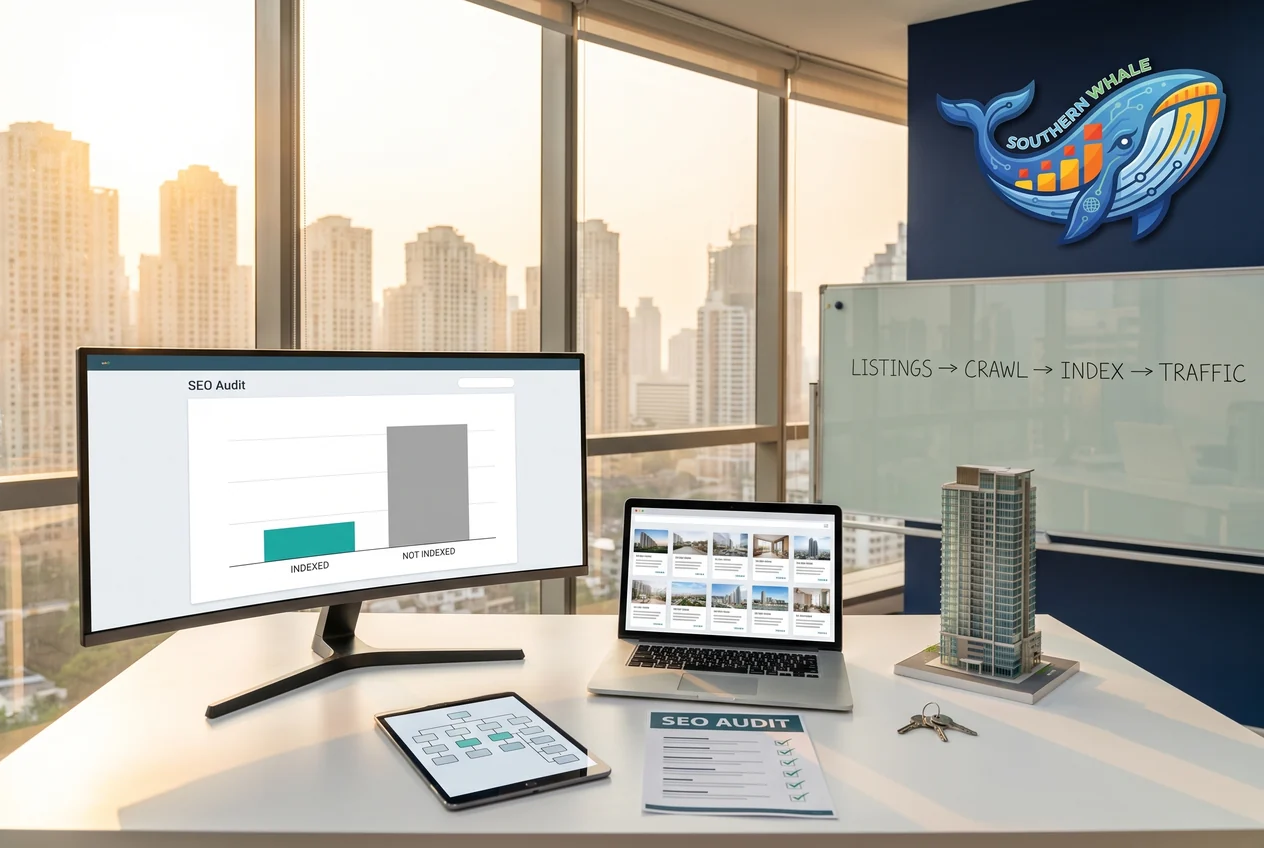
Real Estate Agency / Property Listings
2,240 → < 600Crawled – currently not indexed (plan target)
A Bangkok Property Agency With 2,300 Listings, Yet Google Indexed Less Than Half. The Audit Traced It to the URL Structure
Read the case
Automotive Parts / Genuine Parts Importer
1,576/1,576Products migrated, checked against the official export
Migrating a 1,576-Product Porsche Parts Store from iGetWeb to 100% WordPress — Like-for-Like Move, Redesign and 301s for Every Link
Read the case
Industrial Rubber / Construction Materials / B2B
6 daysClicks recovered above the previous peak
Health Score 100, Yet the Sales Pages Wouldn't Open — One Fix, Clicks Recovered in 6 Days for a B2B Rubber Factory
Read the caseWhat we have written about this
- Custom Software vs SaaS: 5-Year Cost Check for Thai SMEs
SaaS starts cheap but gets expensive and limiting over time. This article calculates 5-year TCO end-to-end, with a decision framework.
- What Is Vibe Coding? Build a Site with AI in 30 Days
Vibe Coding is building software by talking to an AI instead of writing code by hand — can business owners actually do this? This article covers tools and limits.
- Astro SEO: Why It Outranks WordPress and Next.js Builds
Revealing techniques used to achieve over 90/100 on PageSpeed Insights and why website speed affects Google rankings
- Astro vs WordPress in 2026: Which One Should You Build?
Astro is the world's fastest Static Site Generator, while WordPress is the most widely used CMS. This article provides a clear comparison.
- What Is Astro? The Framework Behind Linear and Notion
Astro is the framework Linear, Notion, and Vercel chose — static-grade performance, React-grade flexibility. This article explains it for owners.
- Custom CRM for Thai SMEs: When It Beats HubSpot or Zoho
90% of Thai SMEs use Excel as their CRM — 30 hours a week of team time disappears into paperwork. Custom CRM fixes it at the root.