
Custom POS System Development in Thailand
Services · Southern Whale
We build POS systems around how your outlets actually sell: multi-branch, PromptPay QR, receipts and full tax invoices, members and points, automatic stock deduction, offline mode, and links to your inventory, ERP or accounting software. When an off-the-shelf POS is the better fit, we tell you.

A POS that works the way your shop works
Every counter sells differently. A café has add-on shots and syrups. A restaurant has tables, split bills, merged bills and kitchen tickets. A clinic sells courses customers use over months. A resort restaurant has guests who want to sign the bill to their room. Off-the-shelf POS software handles part of this, and the rest ends up on paper or re-typed into Excel.
Southern Whale builds custom POS systems by first watching how a bill moves from your counter to stock and accounting, then designing the software around that flow. Depending on what’s most cost-effective, we write it from scratch, extend an open-source POS such as Odoo’s, or just build the bridge between the POS you already use and your back office.
Straight answer: a single-branch shop with a simple sales flow is almost always better off with a subscription POS. If that’s what we see, we’ll tell you and help you pick one.
Who it’s for
- Retail and multi-branch shops — hardware stores, parts shops, souvenir shops and minimarts with thousands of SKUs, branch transfers and a need to see every branch on one screen.
- Restaurants, cafés and bars — table plans, orders sent to kitchen or bar, split and merged bills, and recipe-based stock deduction (sell one latte, deduct beans, milk and a cup).
- Resorts and hotels — restaurants, pool bars, spas, minibars and tour desks as separate outlets, with pay-now or charge-to-room. See also hotel and resort websites.
- Aesthetic, dental and wellness clinics — courses, packages and memberships used session by session, with expiry dates and practitioner fees. See clinic websites.
- Tour operators and tour counters — seats per departure, commissions for agents or referring hotels, and multiple currencies.
Signs your current POS isn’t enough
- End-of-day closing takes an hour because totals from several terminals, branches or channels are merged by hand.
- Stock in the system doesn’t match the shelf and nobody can say where the gap comes from.
- Staff keep a paper log alongside the POS for steps it doesn’t support.
- Full tax invoices come from a separate program, customers wait, and numbering doesn’t line up with what your accountant sees.
- Subscription fees grow with every terminal and branch, yet you still rely on Excel.
- You can’t get the data out: sales per item per hour, lapsed regulars, profit per branch.
One of these can often be fixed by configuring your current software better. Three or more usually justify a conversation about a purpose-built system.
What we build
| Module | What it does |
|---|---|
| Counter sales | Product search, barcode scanning, modifiers, line and bill discounts, hold, split, merge, returns |
| Restaurant | Table plan, kitchen/bar tickets or kitchen display, order status, service charge |
| Payments | Cash, PromptPay QR for the bill amount, cards, transfers, split tender, charge to room |
| Documents | Receipts, full tax invoices, credit notes, numbering per branch and terminal |
| Members | Points earn and redeem, tiers, group pricing, packages used session by session |
| Stock | Deduct on sale, recipe/BOM deduction, branch transfers, stock counts, low-stock alerts |
| Multi-branch | Central or per-branch pricing and promotions, per-branch staff rights, combined and split reports |
| Shifts and cash | Open/close shift, float, cash count, variance, void history |
| Reports | Daily, per item, per staff, per hour, gross profit, Excel export |
| Offline | Keep selling when the connection drops, auto-sync when it returns |
You don’t need every module on day one. We start with the part that costs your counter the most time and add the rest in phases.
Off-the-shelf vs custom, honestly
| Off-the-shelf POS (subscription) | Custom POS | |
|---|---|---|
| Time to start | Almost immediate | Weeks to months of design and build |
| Cost | Ongoing monthly fee per terminal or branch | Higher upfront build, then hosting and support as used |
| Business-specific steps | Only what the product offers | Designed around your real process |
| Integration | Whatever API or plugins the vendor provides | Whatever the target systems support |
| Data | On the vendor’s platform, exported on their terms | On servers you choose, fully yours |
| Maintenance | Vendor updates it | You or your chosen team maintain it |
| Best for | Single branch, simple flow, fast start | Multi-branch, special processes, back-office integration |
There’s a middle path too: keep an off-the-shelf POS that has an API and let us build the connector to your stock or reporting system, or start from Odoo’s POS and customise only what’s missing. Our article on custom software vs SaaS covers the decision in more depth.
How we work
- Discovery — we talk to owners, managers, cashiers and your accountant, watch a busy service, and collect sample bills, tax invoices and reports. Output: a written scope with phases.
- Clickable prototype — cashiers try the sales screen before we build, because the people ringing up hundreds of bills a day spot friction fastest.
- Phased rollout — one branch or outlet first, run in parallel with the old system briefly to reconcile totals, then roll out further.
- Training — separate sessions for cashiers, branch managers and accounting, plus an illustrated Thai manual for new staff.
- Handover — source code, database, installation docs, admin accounts and backup procedures. All yours.
Integrations
- Inventory and warehouse — real-time stock deduction and reorder points. See custom inventory systems.
- ERP — sales, cost and receipts flow into one company-wide system. See custom ERP development.
- Accounting software — summaries or sales documents sent to Express, FlowAccount, PEAK or whatever your accountant uses, via API or import file as supported.
- Hotel systems — outlet bills posted to room folios; PMS integration depends on what your PMS exposes.
- Website and online store — one price list and one stock pool for counter and online sales.
- LINE — shift summaries for owners, low-stock alerts, and points lookup via your LINE OA.
- e-Tax Invoice — if you use or plan to use electronic tax invoices, we structure document data so it can be passed to the provider you choose.
Migrating from Excel or your old POS
We import products with barcodes and prices, members with points, and opening stock. We clean duplicates and mismatched units, compare counts before and after, and set opening stock from a physical count on go-live day. Sales history comes across if the old system can export it; if not, we tell you during discovery.
Security and PDPA
- Role-based rights: cashiers can’t void bills or exceed discount limits without manager approval.
- Audit log of voids, price changes and cash-drawer opens.
- Member data handled under Thailand’s PDPA: collect only what’s needed, consent for marketing, controlled access to phone numbers, and support for deletion or correction requests.
- No card data stored; card payments go through terminals or payment providers and only the result is recorded.
- Automatic backups with tested restores.
Related services
- Custom inventory systems
- Custom ERP development
- Custom software development
- Hotel and resort websites and clinic websites
Start with a conversation
Tell us what you sell, how many branches you run, what software you use and where it hurts. We’ll tell you whether to reconfigure what you have, buy off-the-shelf, or build. Priced on real scope — message us on LINE @969dkzqz for a free consultation first, or email [email protected].
Frequently asked questions
What is a POS system?
POS (Point of Sale) is the system you use at the counter to record sales, take payment, issue receipts and keep sales, product and customer data in one place. A good POS also deducts stock automatically and passes data on to your accounting or back-office systems.
Should a small shop build its own POS?
Usually not. A single-branch shop with a simple sales flow is almost always better served by a subscription POS. Custom work pays off when you have steps generic software can't handle: linked multi-branch stock, charge-to-room, packages used session by session, or integration with systems you already run. We assess this for free and say so if off-the-shelf fits better.
Can it keep selling when the internet drops?
Yes, if it is designed with an offline mode. The terminal stores bills locally and syncs to the central system when the connection returns. We agree up front what is allowed offline, such as redeeming points or checking other branches' stock, because that data lives on the central server.
Can the POS issue tax invoices?
Yes, both receipts and full tax invoices with the buyer's name, address, tax ID and branch. Issuing abbreviated tax invoices from a POS terminal in Thailand requires prior approval from the Revenue Department. We build the document formats and numbering; the filing and tax decisions should be made with your accountant.
Does the system know a PromptPay transfer actually arrived?
There are levels. The simplest is a PromptPay QR for the exact bill amount, confirmed by staff when the money shows up. Automatic confirmation needs a bank or payment-provider service that sends the result back to the system, with that provider's own terms and fees. We help you choose based on your bill volume.
Can it connect to inventory, ERP or accounting software?
Yes. Sales and stock movements flow to your inventory system or ERP in real time, and summaries or sales documents go to the accounting software your accountant uses, such as Express, FlowAccount or PEAK, via API or import file depending on what that software supports.
Can resort outlets charge to the room?
Yes. Restaurants, pool bars, spas or tour desks can take payment immediately or post the bill to an occupied room's folio, so the front desk sees everything at check-out. If you already run a PMS, how far we can integrate depends on what that PMS exposes.
What hardware does it run on?
We build the POS as a web app that runs on tablets, PCs or Android POS terminals, with standard receipt printers, barcode scanners and cash drawers. We test with the hardware you already own before recommending anything new.
Who owns the code and data?
You do. At handover you receive the source code, database and installation documents. You can keep us for support or hand it to another team.
How much does a custom POS cost?
Priced on real scope — message us on LINE for a free consultation first. Cost depends on branches, business type and the systems to integrate, and we put the scope in writing before any agreement.

What's Included
- Multi-Branch POS + Central Dashboard
- PromptPay QR & Payment Matching
- Receipts & Full Tax Invoices
- Members, Points & Promotions
- Real-Time Stock Deduction (Recipes / BOM)
- Offline Mode with Auto Sync
- Outlet POS Charge-to-Room
- Inventory / ERP / Accounting Integration
Ready to Start?
Let's discuss how Custom POS System Development in Thailand | Southern Whale can help your business grow.
Free ConsultationRelated Services
System Design & Automation - Custom Software Development Thailand | Southern Whale
Transform complex work into automated systems so you have time to focus on business growth
SEO Agency Thailand: Data-Driven SEO Company | Southern Whale
A Thailand-based SEO agency doing white-hat technical SEO, content, local SEO and AI search in one team. Monthly reports from your own Search Console data. Start with a free audit.
Local SEO Services Thailand: Rank on Google Maps | Southern Whale
Local SEO services for restaurants, clinics, hotels and service businesses in Thailand. We optimise your Google Business Profile, business details, reviews and website so you show up on Google Maps. Start with a free audit.
SEO Consultant in Thailand | Strategy to Rank Page One - Southern Whale
Professional SEO consultant working with businesses across Thailand — we audit, strategise, and coach your team to reach Google page one sustainably. First consult free.
Case studies from this service
Real work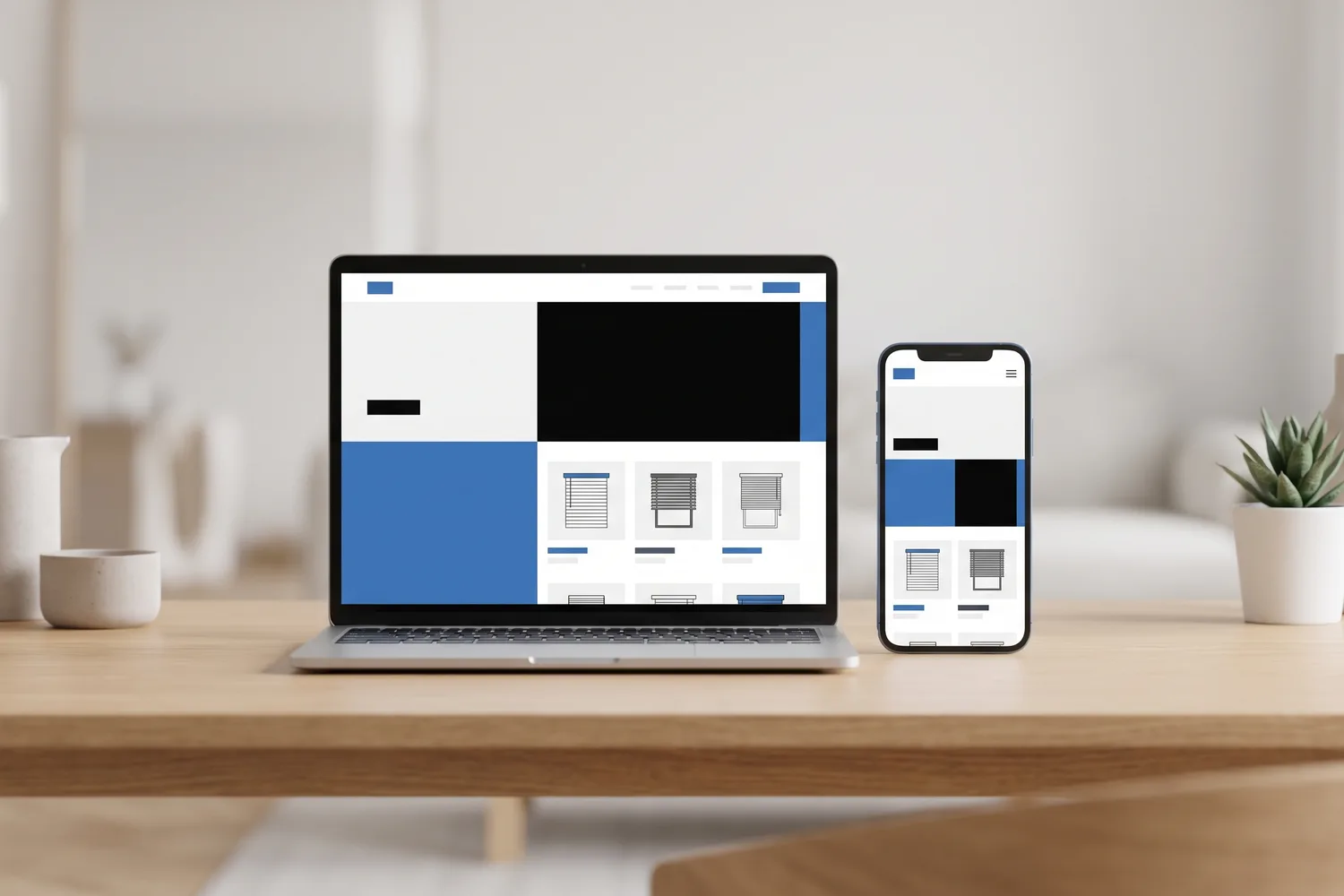
Window Blinds & Interior Materials
1 Canva fileStarting point
From Canva to a Real Website for ZAINA International Group, with a Flip-book E-catalog
Read the case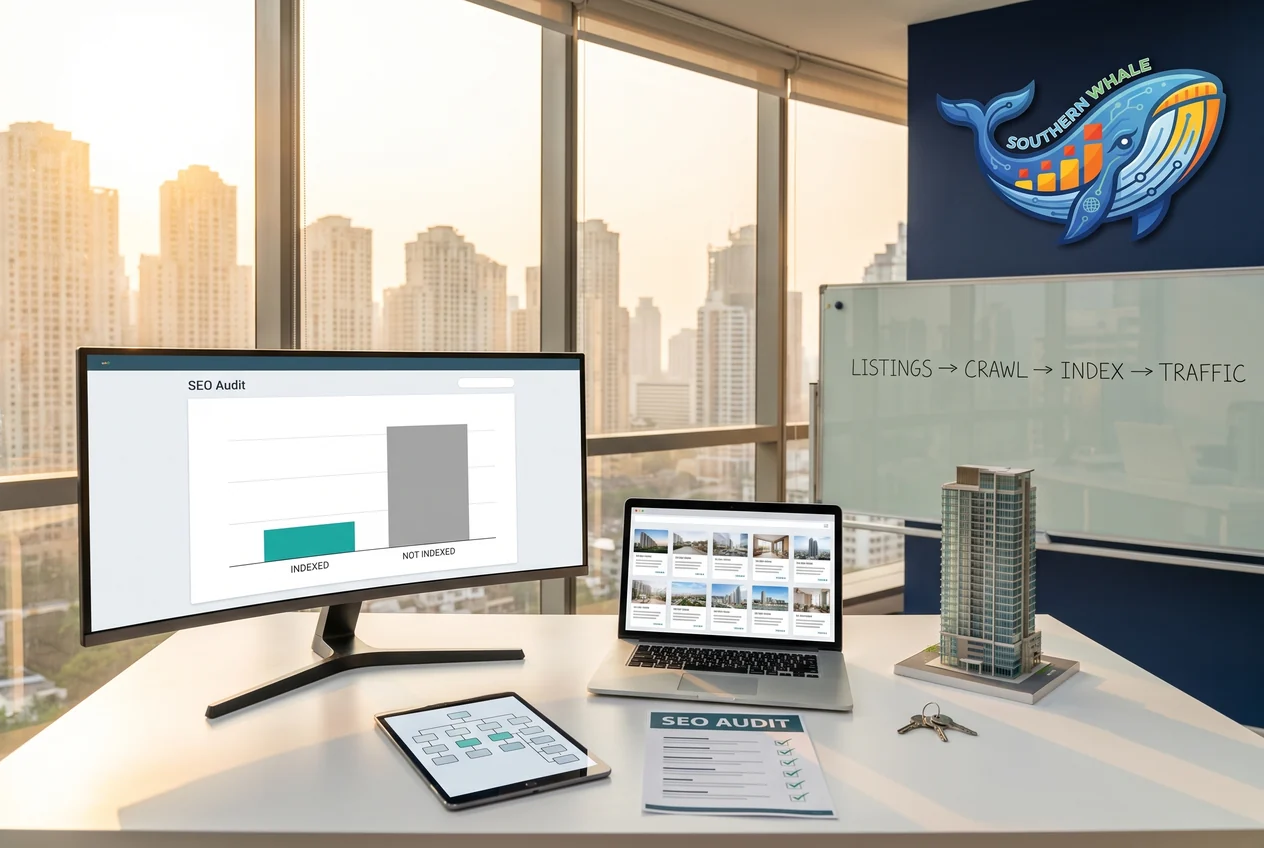
Real Estate Agency / Property Listings
2,240 → < 600Crawled – currently not indexed (plan target)
A Bangkok Property Agency With 2,300 Listings, Yet Google Indexed Less Than Half. The Audit Traced It to the URL Structure
Read the case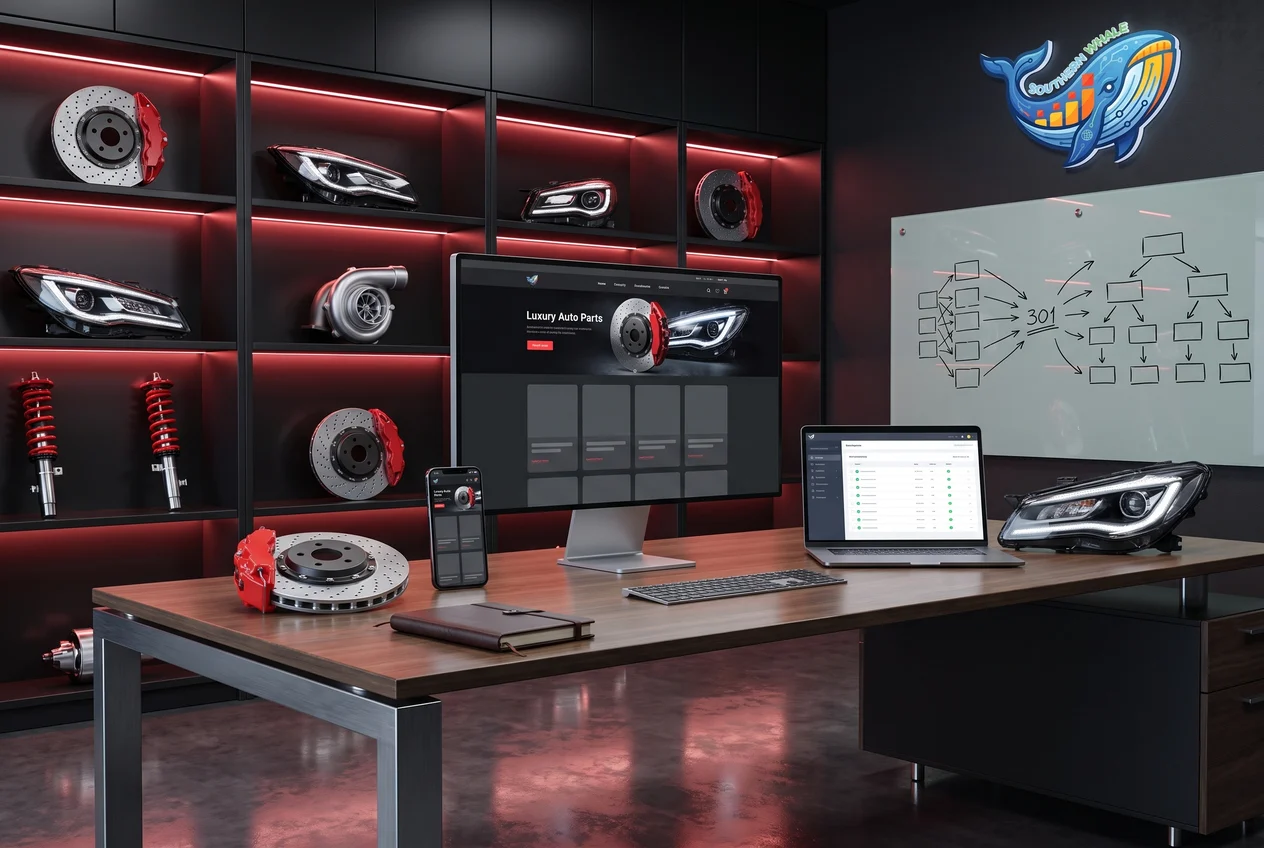
Automotive Parts / Genuine Parts Importer
1,576/1,576Products migrated, checked against the official export